
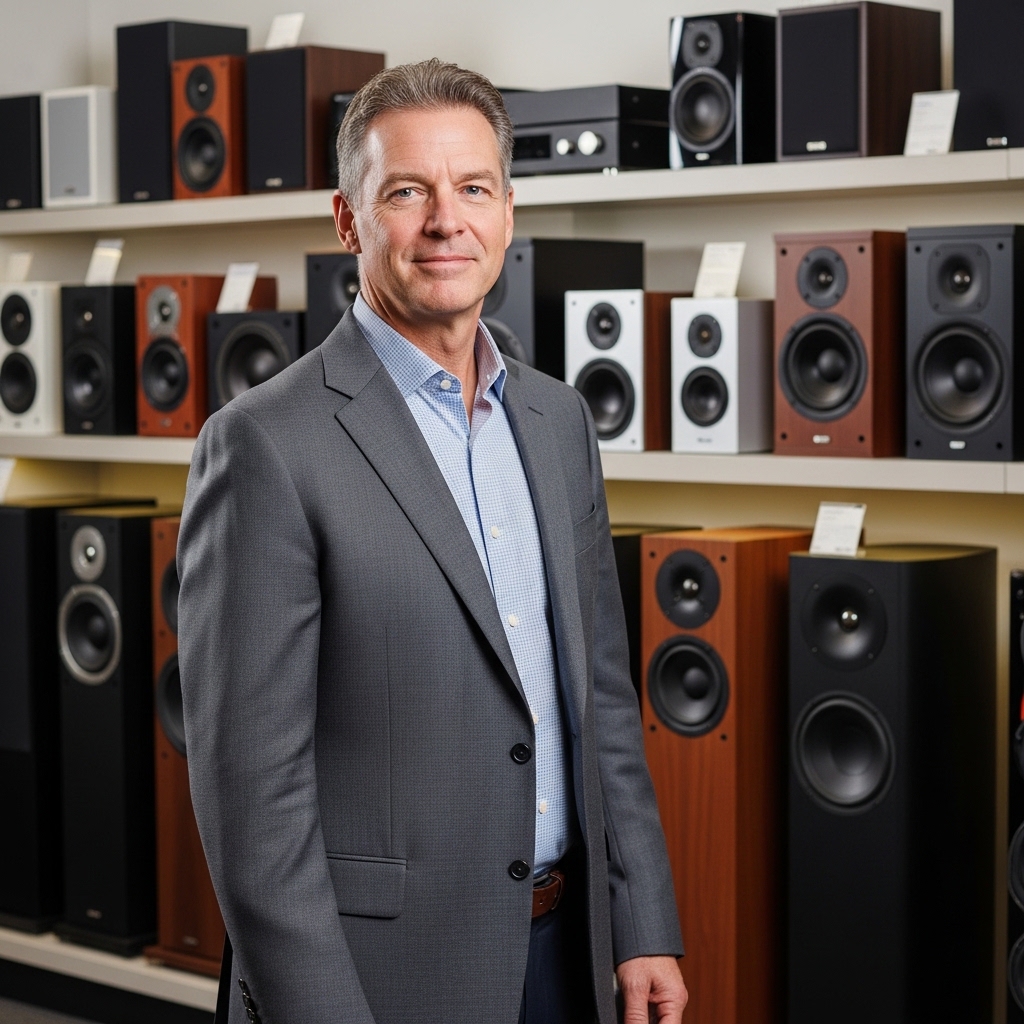

Achieving crisp vocal dialogue and distinct musical separation often depends heavily on physical room geometry. When setting up a dedicated audio space or configuring a home entertainment speakers setup, listeners frequently wonder whether should front speakers be angled inward toward the primary listening position. High-frequency sound waves travel in directional paths, which means slight shifts in positioning can significantly alter tonal balance and soundstage width. Understanding how speaker directivity interacts with room boundaries helps prevent muddy audio and inconsistent volume.
Angling your front left and right channels, often referred to as toe-in, directs the tweeters right toward your ears rather than firing parallel into the room. This adjustment creates a unified sweet spot where stereo imaging locks into place and center dialogue remains sharp. In desktop environments, vertical angling also matters because sound reflecting off desk surfaces causes comb filtering and lost detail. Pairing proper speaker orientation with accessories like the Audioengine DS2 Desktop Speaker Stands allows you to direct sound upward, ensuring high frequencies travel cleanly to your ears.

The Acoustics and Practical Reality of Angling Front Speakers
Front left and right speakers deliver the vast majority of directional sound, instrumentation, and acoustic ambiance. In most living rooms and desktop setups, front speakers perform substantially better when angled toward the primary listening area. This inward rotation, known as toe-in, focuses high-frequency energy on your ears and preserves acoustic clarity. Without proper angling, delicate treble can disperse into open space or bounce off untreated side walls, resulting in a disorganized soundstage.
Achieving great sound does not require complex acoustic engineering or expensive studio gear. Simple adjustments to horizontal angle and vertical tilt can transform a mediocre listening experience into an articulate performance. The exact angle depends on your room dimensions, speaker design, and seating layout. Balancing these physical factors lets you extract the best possible performance from your current hardware.
How Sound Frequency Directivity Shapes Speaker Angling
Sound waves do not propagate through a room in an identical fashion across all frequencies. Low bass frequencies, typically below two hundred hertz, are omnidirectional and radiate equally in all directions from the cabinet. In contrast, midrange and high frequencies produced by tweeters travel in narrow, directional beams. If the tweeter points straight ahead past your shoulders, your ears only receive off-axis sound waves, which naturally lack sparkle and clarity.
High-frequency directivity explains why tilting or toeing in front speakers produces an immediate improvement in vocal intelligibility. When tweeters point directly at your ears, direct sound arrives before room reflections can interfere. Exploring balanced stereo speaker configurations demonstrates how driver directivity impacts sweet spot placement. Checking whether your front drivers have wide or narrow horizontal dispersion helps determine how aggressively to angle them.
Horizontal Toe-In and the Creation of the Stereo Sweet Spot
Horizontal toe-in refers to rotating the front left and front right cabinets inward so their acoustic axes intersect at or just behind your head. When two speakers fire straight ahead with zero toe-in, the soundstage feels exceptionally wide, but the center phantom image can become faint and unfocused. Lead vocals that should sound anchored right between the two speakers might sound diffuse or spread unnaturally across the room.
Introducing a moderate toe-in angle tightens that center image into a solid, believable acoustic illusion. Suddenly, a vocalist sounds as though they are standing directly in the center of the room, even without a physical center channel speaker present. Horizontal angling stabilizes the stereo soundstage so instruments remain pinned to specific left, center, or right locations. This stability provides the three-dimensional depth that music lovers and movie viewers appreciate.
Excessive toe-in can create an overly narrow sweet spot. If speakers point directly at your nose, moving your head slightly can cause the stereo image to collapse toward the nearest cabinet. For rooms where multiple listeners share a sofa, a milder angle aiming just outside each shoulder preserves stability for everyone. Finding the right balance between center focus and seating width requires small adjustments.
Vertical Tilt and Matching Tweeters to Ear Level
While most discussions focus on horizontal rotation, vertical angling is equally critical for front speaker performance. Ideally, speaker tweeters should sit at exact ear level when you are seated in your standard listening position. In many real-world environments, such as on computer desks or low media consoles, speakers end up positioned significantly below ear height.
When tweeters sit below ear level, the critical high frequencies fire toward your chest or abdomen rather than your ears. This misalignment causes noticeable treble rolloff, making speech sound muffled and reducing ambient detail in movie soundtracks. Tilting the front baffle upward by just a few degrees corrects this misalignment and directs the acoustic axis straight to your ears. Vertical tilt ensures you hear the full intended frequency spectrum without needing to elevate your furniture.
Desktop listening environments represent the most common scenario where upward vertical tilt is essential. Bookshelf monitors sitting flat on a desk shoot high frequencies across the desktop surface before reaching the listener. Products like the Audioengine DS2 Desktop Speaker Stands provide a built-in vertical angle that lifts the drivers toward ear level. This upward tilt clarifies nearfield audio without requiring awkward posture adjustments.
Reducing Boundary Reflections and Side-Wall Interference
Untreated walls, windows, and hard furniture act as acoustic mirrors that bounce sound waves back into the room. When front speakers fire straight forward, a large portion of their sound strikes side walls within milliseconds. These early reflections arrive at your ears slightly after the direct sound, creating a smearing effect known as comb filtering.
Toeing your front speakers inward directs the main energy beam away from side walls and toward your seat. Decreasing the energy that strikes side walls significantly reduces the volume of early reflections. The result is a cleaner audio signal with less perceived room echo and greater vocal clarity. Rooms with bare drywall benefit immensely from this simple mechanical adjustment.
In addition to managing treble reflections, angling front speakers away from corners can also aid in optimizing speaker bass response across the room. Corner placement naturally reinforces lower frequencies, but it can also excite room modes that produce boomy, uncontrolled bass notes. While toe-in does not change bass directivity, rotating the cabinet can alter how low-frequency ports interact with rear and side boundaries. Careful positioning allows you to achieve punchy bass definition without sacrificing high-frequency balance.
Home Theater Considerations for Front Left, Right, and Center Channels
Surround sound setups introduce additional complexities because front left and right channels must integrate with a dedicated center speaker. The center channel handles most movie dialogue, while the front left and right channels carry dynamic sound effects, pans, and scores. If front stereo speakers are not properly angled, sound moving across the front soundstage can feel disjointed or uneven.
Toeing the front left and right speakers toward the main viewing position ensures panning sounds transition smoothly from the center channel to the sides. When a vehicle drives across the screen, the tone and perceived distance should remain consistent across all three front speakers. Proper inward angling prevents sound from suddenly dropping in high-frequency energy during pans.
The center channel speaker itself often requires vertical angling when installed above or below a television display. When placed on a low media shelf below the screen, tilting the center speaker upward toward ear level prevents dialogue from sounding disconnected. Matching the vertical acoustic axes of all three front speakers creates a cohesive, cinematic wall of sound.
Scenarios Where Front Speakers Should Remain Straight Ahead
Despite the general benefits of toe-in, there are specific situations where angling front speakers is neither necessary nor desirable. Some loudspeaker manufacturers intentionally engineer their crossovers and waveguides for flat off-axis frequency response. In fact, certain brands explicitly instruct users to place their speakers facing straight ahead with zero toe-in. For these designs, pointing the cabinet directly at the listener can result in overly bright or fatiguing treble.
Multi-seat entertainment spaces also present a strong argument against aggressive speaker angling. When speakers are toed in heavily toward a single central seat, viewers on the edges of the sofa receive an unbalanced audio presentation. A listener sitting on the far right hears excessive direct sound from the left speaker, disrupting spatial perception. Leaving speakers facing straight forward or applying only a slight angle provides broader room coverage.
Rooms with heavy acoustic treatment on first reflection points also reduce the necessity of toe-in. When side-wall reflections are already absorbed by specialized panels, comb filtering is naturally minimized. In acoustically controlled spaces, listeners can experiment with wider, straight-ahead placements to maximize soundstage width while maintaining vocal clarity.
Step-by-Step Method to Dial In the Ideal Speaker Angle
Finding the ideal angle for your front speakers requires a patient, methodical listening process rather than guesswork. Begin by setting up an equilateral triangle between the front left speaker, the front right speaker, and your listening seat. The distance between the two speakers should match the distance from each speaker to your head. Position both cabinets facing straight forward as your acoustic baseline.
Select a familiar audio track featuring a centered lead vocal and acoustic instruments. Play the track at normal listening volume and focus on where the singer appears to be standing. If the vocal feels diffuse or spread out across several feet, rotate both speakers inward by five to ten degrees. Sit back in your primary seat and evaluate whether the center image has gained focus.
Continue making small rotational adjustments, aiming the speakers slightly inside or directly at your shoulders. You will reach a point where the center vocal snaps into sharp focus, mimicking a live performer. If you rotate too far, the soundstage will narrow, making the music feel constricted. When you notice the soundstage shrinking, back off the angle slightly to restore balanced width.
Desktop Audio Nuances and Mechanical Isolation
Desktop listening environments introduce acoustic obstacles that do not exist in larger living room setups. The surface of a computer desk acts as an immediate acoustic reflector, bouncing sound waves directly up into the listener’s ears. This boundary reflection creates immediate phase cancellation, resulting in hollow midrange tones and harsh treble peaks. Angling desktop speakers upward directs the acoustic wave over the desk surface, minimizing destructive early reflections.
Vibration transmission represents another common problem when speakers sit directly on a desk or furniture surface. Bass and lower midrange vibrations travel through the speaker cabinet into the desktop wood, turning the desk into a resonant soundboard. This structural resonance muddies lower frequencies and can cause distracting rattles. Mechanical decoupling is essential to preserve clean, uncolored audio reproduction.
Using dense acoustic stands solves both the vertical angling dilemma and the mechanical resonance challenge simultaneously. The Audioengine DS2 Desktop Speaker Stands, crafted from vibration-damping silicone rubber, decouple the speaker cabinets from the desk surface while providing a fixed upward tilt. This angled elevation aims the tweeters directly toward the listener’s ears while absorbing cabinet vibrations before they reach the desktop. Dedicated stands or isolation pads ensure that compact desktop speakers perform to their full acoustic potential.
Practical Verification and Common Placement Mistakes
Once you establish your front speaker angles, take time to verify the results across several different audio tracks. Test the system using dynamic movie dialogue, complex orchestral music, and modern energetic tracks to ensure balanced performance. Vocal dialogue should remain intelligible at low volumes, and stereo pans should transition smoothly. If voices sound harsh or sibilant, reducing the toe-in angle slightly will smooth out the top end.
A frequent mistake among audio enthusiasts is failing to keep left and right speaker angles symmetrical. If one speaker is angled ten degrees inward while the other sits at twenty degrees, the stereo image drifts toward the more heavily angled cabinet. Using a tape measure or a simple piece of string from each tweeter to your nose ensures precise geometric symmetry. Small alignment discrepancies can undo the benefits of careful room setup.
Another common error is placing front speakers too close to boundaries without adjusting the angle accordingly. When speakers sit tight against a wall, rear reflections can interact unpredictably with side-wall angles. Giving your speakers several inches of clearance from walls allows both the drivers and rear ports to perform cleanly. Proper clearance combined with deliberate angling delivers balanced, dynamic audio performance.




Write Your Review
No reviews yet. Be the first to share your experience!