
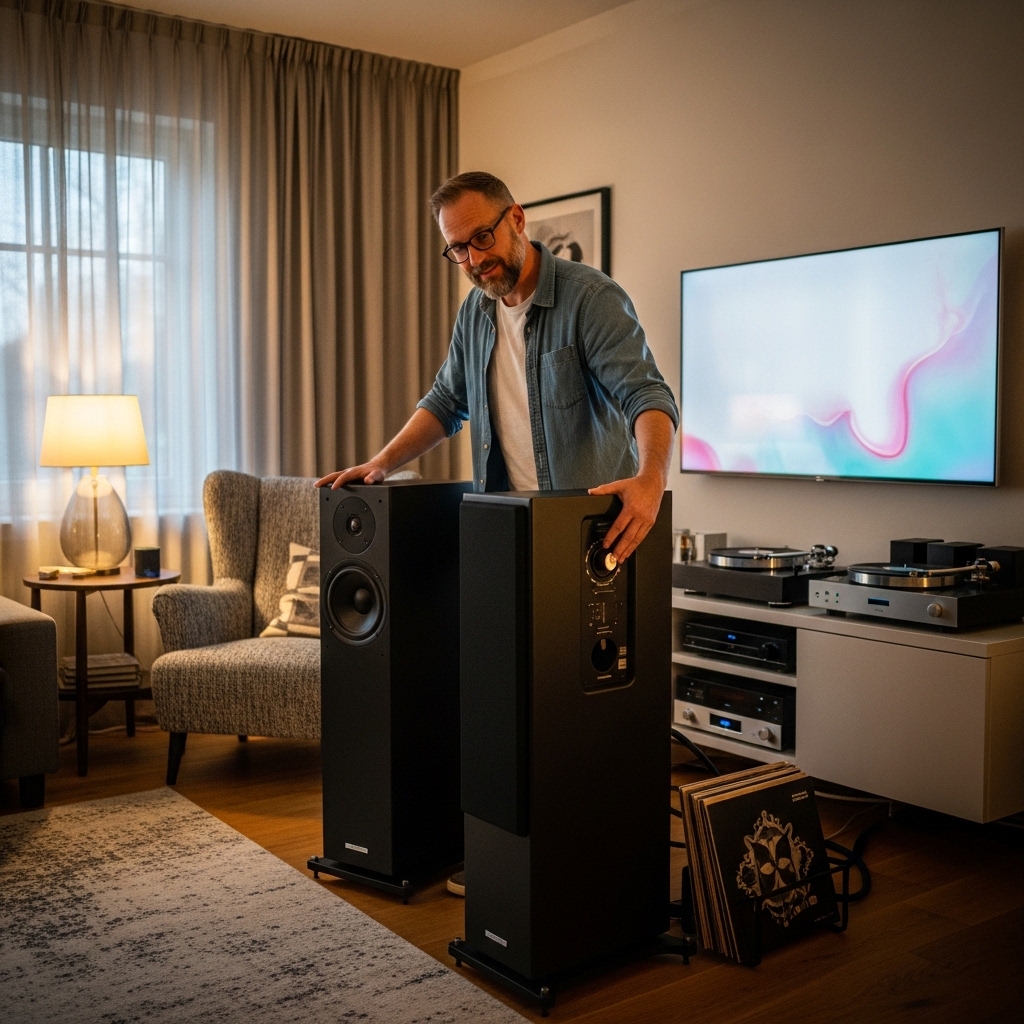

Gym environments often feature commercial sound systems, multiroom setups, or older amplifiers that do not immediately pair with standard mobile phones or music players. Understanding how to connect to gym speakers requires identifying the audio source, the available inputs on the receiver, and whether a wired or wireless bridge is needed to transmit your playlist. Many workout spaces rely on central audio racks or wall-mounted receivers that accept direct 3.5mm auxiliary jacks, balanced XLR lines, or Bluetooth audio adapters. When upgrading your personal workout audio or managing a fitness studio, integrating modern sources with Bluetooth stereo speakers and receivers provides far greater convenience during intense training sessions.
Audio dropouts, low volume levels, and confusing mixer boards frequently prevent lifters and fitness instructors from playing music through gym sound equipment. Using a compact wireless adapter or connecting directly to an auxiliary port can quickly solve these playback headaches without requiring full access to administrative audio controls. A dual-mode transmitter and receiver can bridge the gap between legacy analog hardware and modern smartphones, creating reliable playback across workout spaces. Taking time to inspect the input channels, adjust source gain, and verify Bluetooth pairing ensures high-energy audio plays smoothly without unexpected interruptions.

Connecting Audio Devices to Gym Speakers and Commercial Systems
Connecting an audio source to gym speakers depends on whether you are using a commercial sound rack, a studio mixer, or cardio machine displays. Most fitness facilities rely on central amplifier racks or distributed speaker lines that require specific input adapters or auxiliary cables to connect a phone. Knowing how to establish a clean signal path prevents feedback, distortion, and unexpected disconnections while training. Taking time to inspect the hardware ensures reliable audio playback across weight rooms and studio floors.
Understanding Common Gym Audio Inputs and Equipment Configurations
Commercial gyms route their audio through rack-mounted mixers, multi-zone amplifiers, or commercial public address systems. These systems feature analog input jacks on front or rear panels, including 3.5mm auxiliary jacks, stereo RCA jacks, or balanced quarter-inch line inputs. Older gym amplifiers frequently lack native Bluetooth capabilities, preventing direct wireless streaming from mobile phones without external adapters. Inspecting the input panel on the facility amplifier is always the first step in identifying the necessary cables.
In smaller boutique fitness studios, the sound setup often resembles consumer stereo gear or a compact powered mixer. These smaller audio stations usually provide an auxiliary channel designated for guest music players or instructors’ mobile devices. Some facilities mount wall plates equipped with 3.5mm audio inputs or Bluetooth pairing modules directly on the wall. Identifying whether the system expects an analog line-level signal or a wireless connection prevents plugging into incorrect microphone inputs that cause distortion.
Cardio machines in commercial gyms present a different scenario where treadmills, stationary bikes, and ellipticals feature personal headphone jacks. These exercise units output television or media sound through individual 3.5mm analog ports intended for wired earbuds. When athletes want to use modern wireless earbuds on these legacy machines, they must transmit audio out of the machine instead of receiving audio into a speaker. Identifying whether you need to send audio out or receive it into an amplifier determines your adapter setup.
Using a Bluetooth Receiver to Stream Music to Gym Amplifiers
A dedicated Bluetooth audio receiver bridges the gap between modern smartphones and older gym amplifiers that feature only wired analog inputs. In receiver mode, often designated as RX mode on dual-function adapters, the device plugs directly into the gym sound system using a standard 3.5mm auxiliary cable. Your phone then pairs wirelessly to the adapter over Bluetooth, allowing you to control playlists from anywhere within the operating range. This setup eliminates the need to leave your phone tethered to an amplifier rack across the room.
Compact adapters like the Sztongfei Bluetooth Audio Transmitter Receiver offer an auto-pairing feature that automatically scans for active playback sources upon powering up. When switched to RX mode and connected via the 3.5mm audio jack, this adapter turns any wired public address system into a wireless streaming receiver. The inclusion of a dedicated reset button simplifies clearing prior pairings when multiple instructors or gym members share the same equipment. This quick reset capability ensures a smooth transition between different music sources without lingering connection conflicts.
Because many basic Bluetooth adapters omit onboard volume controls, managing audio output requires coordination between your phone and the gym amplifier. Setting your phone output volume to roughly seventy-five percent gives the external receiver a clean line signal without introducing digital clipping. From there, you can adjust the physical master volume knob on the gym amplifier to achieve the desired room loudness. Balancing your levels in this manner prevents unwanted hiss and guarantees dynamic, punchy music throughout the fitness area.
Connecting Wireless Headphones to Cardio Equipment With a Transmitter
Transmitter mode, designated as TX mode on dual-purpose Bluetooth adapters, solves the problem of using wireless earbuds on cardio machines with wired headphone ports. When set to TX mode, the adapter takes analog sound from a treadmill or gym television via a 3.5mm cable and broadcasts it over Bluetooth. Your wireless headphones or earbuds can then pair directly with the adapter to receive personal audio without dangling cables interfering with your stride. This configuration keeps wires away from moving exercise components, making cardio workouts safer and more convenient.
Pairing an adapter in TX mode requires placing both the adapter and your wireless earbuds into pairing mode in close proximity. Turning off Bluetooth on your nearby smartphone temporarily during this process prevents your earbuds from reconnecting to your phone by mistake. Once the transmitter establishes a handshake with your headphones, audio from the exercise machine streams seamlessly to your ears. Adapters utilizing modern Bluetooth protocols like version 5.0 or 5.3 maintain stable connections even when surrounding gym machinery creates potential interference.
Latency is another important consideration when transmitting sound from video monitors mounted on cardio machines or gym walls. Standard Bluetooth codecs can introduce noticeable audio delay, causing dialogue on television screens to fall out of sync with actor mouth movements. Choosing wireless headphones and adapters that support low-latency transmission profiles minimizes this delay for an aligned viewing experience. Verifying that both the transmitter and your receiving headphones support responsive audio protocols prevents frustrating lag during workouts.
Step-by-Step Connection Process for Facility Sound Systems
Connecting your audio source to a gym sound system begins by locating the primary audio control center or mixer board. Ensure the master volume or channel volume slider is lowered before plugging in cables to protect the speakers from loud electrical pops. Next, insert a 3.5mm auxiliary cable into the adapter and plug the opposite end into the labeled line input or auxiliary jack on the gym equipment. If the mixer uses dual RCA jacks, attach a 3.5mm to RCA splitter cable to complete the physical path.
Once the wired connection is secured, power on your Bluetooth receiver and verify that it is set to RX mode. Activate Bluetooth on your smartphone, scan for available devices in your system settings, and select the adapter from the discovered list. Most modern receivers confirm a successful pairing with an indicator light or an audible tone through the connected speakers. If the device fails to pair, pressing the physical reset button on the adapter clears old connection memory and prompts a fresh pairing scan.
After establishing the wireless link, begin playing a test track at a low volume setting on your mobile device. Slowly raise the channel gain and master volume on the gym amplifier until the music reaches an energizing listening level across the room. Check that the audio sounds clean and free of buzzing, humming, or harsh distortion before leaving the control station. Maintaining a direct line of sight between your mobile device and the adapter preserves the connection as you move around the floor.
Signal Range, Obstacles, and Environmental Considerations in Fitness Centers
Commercial weight rooms present unique challenges for wireless audio transmission due to structural obstacles and electronic interference. Large steel weight racks, reinforced concrete walls, and massive mirror panels can reflect or absorb radio frequencies, reducing effective wireless operating distance. Adapters rated for up to 390 inches of transmission range provide dependable coverage in open fitness studios. In sprawling commercial facilities, however, walking past dense machine clusters or structural pillars may cause brief audio dropouts.
Electronic interference from nearby equipment can also degrade Bluetooth performance if the receiver is placed too close to high-draw electrical machinery. Treadmill motors, commercial air filtration units, and facility Wi-Fi routers frequently emit electromagnetic noise that can disrupt wireless audio streams. Positioning your Bluetooth adapter away from heavy motor housings and high-voltage power conduits helps preserve signal stability. If you notice repeated stuttering or signal loss, moving your source device closer to the receiver usually resolves the issue.
When configuring sound in dedicated fitness areas, comparing facility speakers with portable units helps clarify coverage expectations. In scenarios where fixed commercial amplifiers are inaccessible or locked behind administrative cabinets, instructors often deploy independent loud portable speakers to drive workout sessions with strong acoustic projection. Standalone portable systems provide self-contained power and direct Bluetooth pairing, bypassing complex commercial racks entirely. This practical alternative offers consistent audio control when commercial gym speakers remain difficult to access or incompatible with mobile adapters.
Troubleshooting Noise, Hum, and Connection Failures
Ground loop hum is one of the most frequent audio problems encountered when connecting external adapters to commercial gym amplifiers. This low-frequency buzz occurs when the audio adapter and facility amplifier are connected to separate electrical outlets with different grounding potentials. If you hear an audible sixty-cycle hum through the gym speakers, running the Bluetooth adapter on its internal battery rather than keeping it plugged into a cheap USB charger often eliminates the noise immediately. Alternatively, inserting an inexpensive ground loop isolator between the adapter and the mixer input filters out unwanted hum.
Distorted or muddy sound usually indicates an improper gain stage between your smartphone and the gym mixer. When phone volume is pushed to maximum, weaker headphone outputs can overdrive the input stage of the commercial receiver, creating harsh acoustic clipping. Backing the source device volume down to around seventy percent and raising the amplifier volume restores clean dynamics and punchy bass reproduction. Similarly, ensure that audio enhancement settings or extreme equalizer presets on your playback app are disabled to prevent artificial distortion.
If your smartphone refuses to establish a connection with the Bluetooth receiver, previous pairings stored in the adapter memory may cause a handshake error. Pressing the adapter reset button wipes out previous hardware profiles and forces the unit back into discovery mode. Turning your phone Bluetooth antenna off and back on resets the local wireless stack and clears temporary discovery glitches. Removing old, unused Bluetooth profiles from your phone device list also speeds up connection establishment in environments crowded with competing wireless signals.
Facility Etiquette, Equipment Protection, and Sound Levels
Connecting to public gym speakers requires careful consideration of facility policies, staff permissions, and fellow gym members. Commercial fitness facilities generally maintain strict rules regarding who can operate central sound systems and what audio content is acceptable on the floor. Always obtain permission from gym management or group fitness directors before plugging adapters, cables, or external devices into facility audio racks. Unauthorized tampering with commercial sound mixers can lead to disciplinary actions or loss of facility membership privileges.
Protecting commercial speaker drivers from thermal overload and mechanical failure requires responsible volume management. Commercial sound systems are engineered to disperse audio over wide spaces, but pushing amplifiers beyond their rated limits can permanently damage high-frequency tweeters or voice coils. If you notice harsh crackling, clipping lights flashing red on the mixer, or sudden volume compression, immediately reduce the master output. Maintaining moderate, balanced sound pressure levels keeps the equipment operating safely while delivering clear musical motivation for everyone working out.
For home gyms and private workout spaces, integrating dedicated high-output equipment offers an alternative to complicated commercial public address gear. Many fitness enthusiasts find that installing home entertainment speakers or active monitors delivers superior fidelity and easier mobile integration than repurposed commercial public address equipment. Consumer systems typically feature direct wireless pairing, standardized line inputs, and user-friendly remote controls tailored for private spaces. Investing in an accessible home gym audio setup ensures energetic music playback without the technical hurdles often found in commercial facilities.
Practical Verification and Final Sound Checks
Before beginning your workout routine, executing a quick verification check confirms that your connection is stable and properly balanced. Walk through your planned training area with your phone in your pocket to test the wireless range and ensure no unexpected dropouts occur near major equipment racks. Listen closely for any background hiss or sudden volume fluctuations that might indicate an unstable cable connection or weak battery on the adapter. Making small adjustments to adapter placement or volume staging before training saves you from having to stop mid-set to troubleshoot audio problems.
When your workout concludes, disconnecting gracefully prevents loud popping sounds through the gym speakers that can startle other members. Always lower the mixer channel volume or mute the input channel before powering off your Bluetooth adapter or unplugging the 3.5mm auxiliary cable. Storing your cables and adapters securely in your gym bag protects sensitive connectors from moisture, chalk, and physical impact. Developing a reliable connection routine ensures quick, effortless audio access every time you step into the gym.



Write Your Review
No reviews yet. Be the first to share your experience!